WebWeb exposure checks
The configuration in front of every site you run.
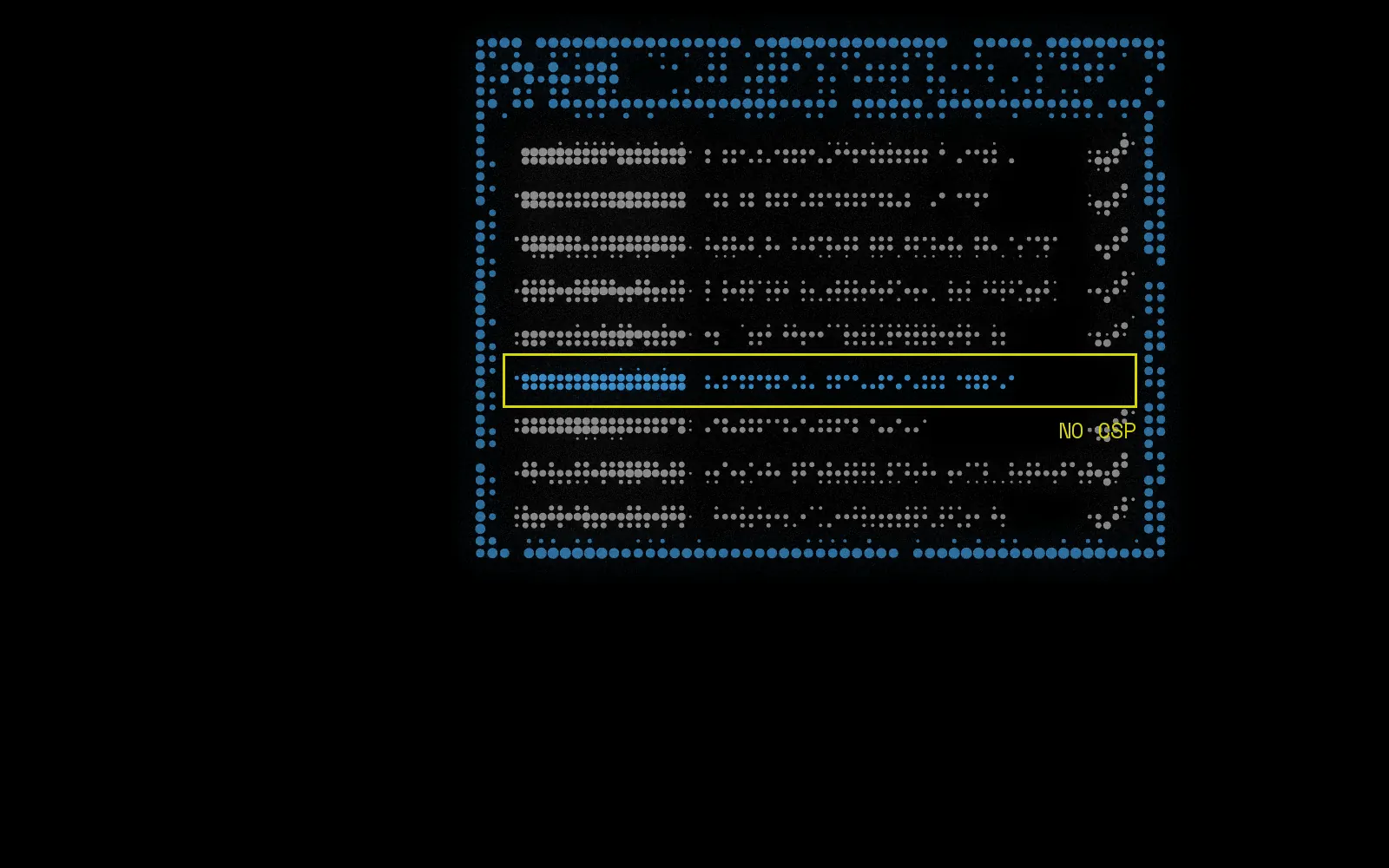
A site can be fully patched and still hand an attacker what they need: no content security policy, a session cookie without the Secure flag, a CORS policy that reflects any origin it is given. These are the defaults nobody revisits, and they live on the sites nobody owns. Nulink checks every web host its discovery turns up, records the response that proves each result, and fingerprints the stack behind the site while it is there.
What it finds
- Missing or permissive security headers, including Content-Security-Policy, Strict-Transport-Security, X-Frame-Options and X-Content-Type-Options
- Session cookies set without the Secure, HttpOnly or SameSite flags
- CORS policies that reflect any origin, or allow credentials from anywhere
- The web technologies behind each site: servers, frameworks, CMS platforms, analytics and CDNs
- Software versions disclosed in response headers and page content
- Default installation pages, directory listings and admin interfaces left reachable
Where the data comes from
- Live HTTP responses
- Web technology fingerprinting
- Web crawling
How it works
- 01
Discover
Every host with a web server answering is picked up by the discovery modules.
- 02
Request
Nulink makes ordinary unauthenticated requests, exactly as any visitor's browser would.
- 03
Check
Headers, cookie flags, CORS policy, disclosed versions and the technology stack are all assessed from the response.
- 04
Track
Findings carry the evidence and close themselves once a rescan shows the configuration fixed.
In detail
- Every web host, not a sample
- Every discovered host with a web server answering gets checked, including the campaign site from two years ago and the staging box nobody turned off. Your main site usually passes. Those two usually do not, and they are served from the same domain your customers trust.
- The response is the evidence
- Each finding carries the actual response headers that produced it. There is nothing to reproduce by hand, nothing to take on trust, and no argument about whether the scanner saw what it says it saw.
- Fingerprinting feeds everything else
- Knowing a host runs a particular server at a particular version is what lets the vulnerability module match it against advisories. The technology list is also useful on its own: it is frequently the first honest answer anyone has to what do we actually run out there.
- Cheap to fix, which is the point
- Most findings here are a line of configuration at the edge or in a framework. They rarely need a deployment, they almost never need a change window, and they close out on the next rescan.
What changes for your team
Quick wins that are genuinely quick
A list of fixes measured in configuration lines, not in sprints.
An answer for the questionnaire
Enterprise security reviews ask about transport security and cookie handling. Now you can answer from live evidence.
Know your own stack
Technology fingerprinting across every site gives you the inventory nobody has had time to write down.
Especially useful for HealthTech.
What it doesn't do
Every tool has edges. Knowing where ours are is the difference between a control you can rely on and one you only think you have.
- These are unauthenticated checks against the responses a site gives any visitor. Nulink does not log in, submit forms or test authenticated areas.
- A missing header is an exposure, not a confirmed vulnerability, and severity reflects that.
- Application logic flaws are out of scope here. That is work for a penetration test.
Questions about Web exposure checks
Isn't this what a vulnerability scanner does?
A vulnerability scanner usually runs against the applications you point it at. This runs against every web host your domains expose, including the ones nobody would have thought to point a scanner at, which is reliably where the weakest configuration lives.
Our WAF or CDN adds some of these headers. Will you see them?
Yes. Nulink checks the response as it arrives over the internet, which is the response your users actually receive. If the edge adds the header, you pass. If it only adds it on some routes, you will see that too.
Will the checks show up in our analytics?
They are ordinary HTTP requests from our infrastructure, so they may appear in logs. There is no form submission, no fuzzing and no attempt to interact with the application beyond fetching pages.

DNS and email security
EmailCheck SPF, DMARC, DKIM and MX on every domain, including the ones you forgot you own.
Read more
Credential and secret exposure
LeaksFind staff credentials in breach data and API keys left behind in archived pages.
Read more
Continuous monitoring
MonitoringRescan on a schedule or on demand, diff every run, and let fixed findings close themselves.
Read more

Visibility is security. Start with yours.
Book a 30-minute walkthrough with the team, or connect your first account and see results today.