MonitoringContinuous monitoring
Your surface changes every week. So should your view of it.
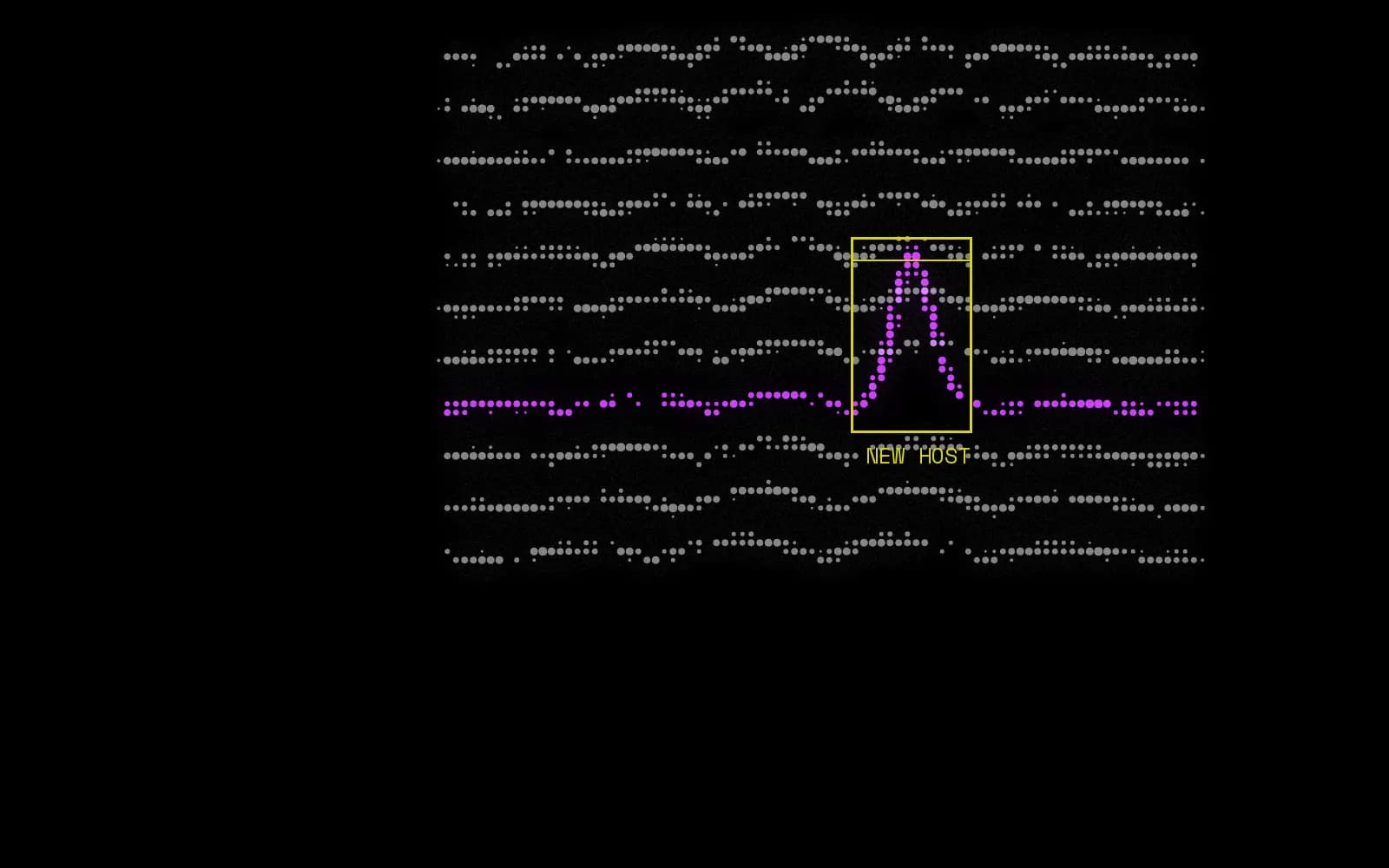
A one-off assessment is out of date before the PDF is signed. Nulink rescans your external surface on a schedule set by your plan, compares each run against the last, and raises what changed: a new host, a newly opened port, a certificate for a name you have never seen, a lookalike domain that went live overnight. You can also rescan on demand, either a whole domain or a single module, when you want a change verified now rather than on Tuesday.
What triggers an alert
- New hosts and subdomains
- A certificate issued for a hostname you have not seen before
- Ports and services that were not open at the last scan
- A DNS record that has started dangling
- A newly registered lookalike domain, or an existing one that gained mail servers
- A certificate approaching expiry
- A finding you had resolved coming back
Where the data comes from
- Scheduled rescans
- On-demand rescans
- Scan-to-scan diffing
How it works
- 01
Baseline
The first scan establishes what your external surface looks like today, including the parts that surprise you.
- 02
Rescan
Scans repeat on your plan's schedule, and on demand for a whole domain or a single module.
- 03
Diff
Each run is compared against the last to isolate what actually changed.
- 04
Resolve
Changes are raised as findings, and fixed ones close automatically on the next clean scan.
In detail
- Scheduled, and on demand
- Scans repeat on your plan's schedule without anyone remembering to start them. On top of that you can rescan a whole domain, or one module on its own, whenever it is useful: after a migration, before an audit, or the morning a serious advisory lands and you need to know within the hour.
- Findings close themselves
- A finding does not need you to tell it that it has been fixed. The next scan that cannot reproduce the problem moves it to resolved and records when, which means your open list is work that is still outstanding rather than work somebody forgot to tick off.
- A status your team can actually use
- Open, reviewed, resolved. Reviewed exists for the findings you have looked at and consciously accepted, so they stop competing for attention with the ones nobody has read yet. Accepting risk is a legitimate answer; losing it in a list is not.
- Every run is kept
- Each scan is diffed against the one before it. The differences are what you are alerted about. Everything else becomes history you can look back through when someone asks how long that port has been open.
What changes for your team
Always current
Your external inventory reflects this week rather than the quarter in which someone last ran an assessment.
Change, not noise
Alerts are about what is new. The rest is recorded without interrupting anyone.
A record over time
See how your surface has grown and shrunk, and have the dates when someone asks.
What it doesn't do
Every tool has edges. Knowing where ours are is the difference between a control you can rely on and one you only think you have.
- Monitoring reports what changed on your external surface between scans. It is not intrusion detection and does not watch traffic.
- Changes are found at scan time, so the detection window is your plan's rescan interval rather than real time.
Questions about Continuous monitoring
How often is continuous, exactly?
The schedule is set by your plan, and every plan can also rescan on demand. If you need a specific interval for a specific domain, that is worth raising before you buy rather than after.
Can we rescan just one part?
Yes. A manual rescan can cover a whole domain or a single module, which is the quick way to confirm a fix without waiting for a full run to come round.
What happens to a finding after it's resolved?
It stays in history with the date it closed. If the same problem reappears on a later scan it is raised again as a regression, which is a far more interesting signal than the original finding was.
Asset discovery
ASMStart from one verified domain and map every internet-facing host, address and service tied to it.
Read more
Subdomains and lookalikes
DNSCatch forgotten subdomains, dangling DNS records and the domains registered to impersonate you.
Read more
Shadow IT discovery
Shadow ITSurface the servers, sites and services someone launched without telling security.
Read more

Visibility is security. Start with yours.
Book a 30-minute walkthrough with the team, or connect your first account and see results today.